
分步教程
How to Create White Background Product Photos Online
Produce ecommerce-ready white-background product images with ArtCraft — cutout vs white composite, shadows, and the real tool workflow.
更新于 2026-10-16
按下列步骤操作,然后打开真实应用完成任务。
Open white background packAnswer in one minute
To create white-background product photos for ecommerce with ArtCraft:
- Prefer the White background pack (or the white-background action in PhotoCraft tools).
- Upload a clear product photo.
- Preview the composite on white, then export HD when edges look clean.
- Check marketplace margins and file size before you publish.
This guide is about a white backdrop result, not only a transparent cutout. For transparency-first workflows, see Remove backgrounds from product photos.
Transparent cutout vs white composite
| Goal | Use | | --- | --- | | Transparent PNG to drop into any layout | Background remover | | Marketplace-ready subject on white | White background pack / white-bg action |
A white-background listing image is usually a composite: subject cut out, then placed on white (sometimes with a soft contact shadow). “Remove background” alone leaves transparency — many marketplaces still want an opaque white canvas.
Step-by-step (white background pack)
1. Open the white-background workflow
Go to White background pack. This route is the dedicated product-photo pack surface for white-backed outputs.
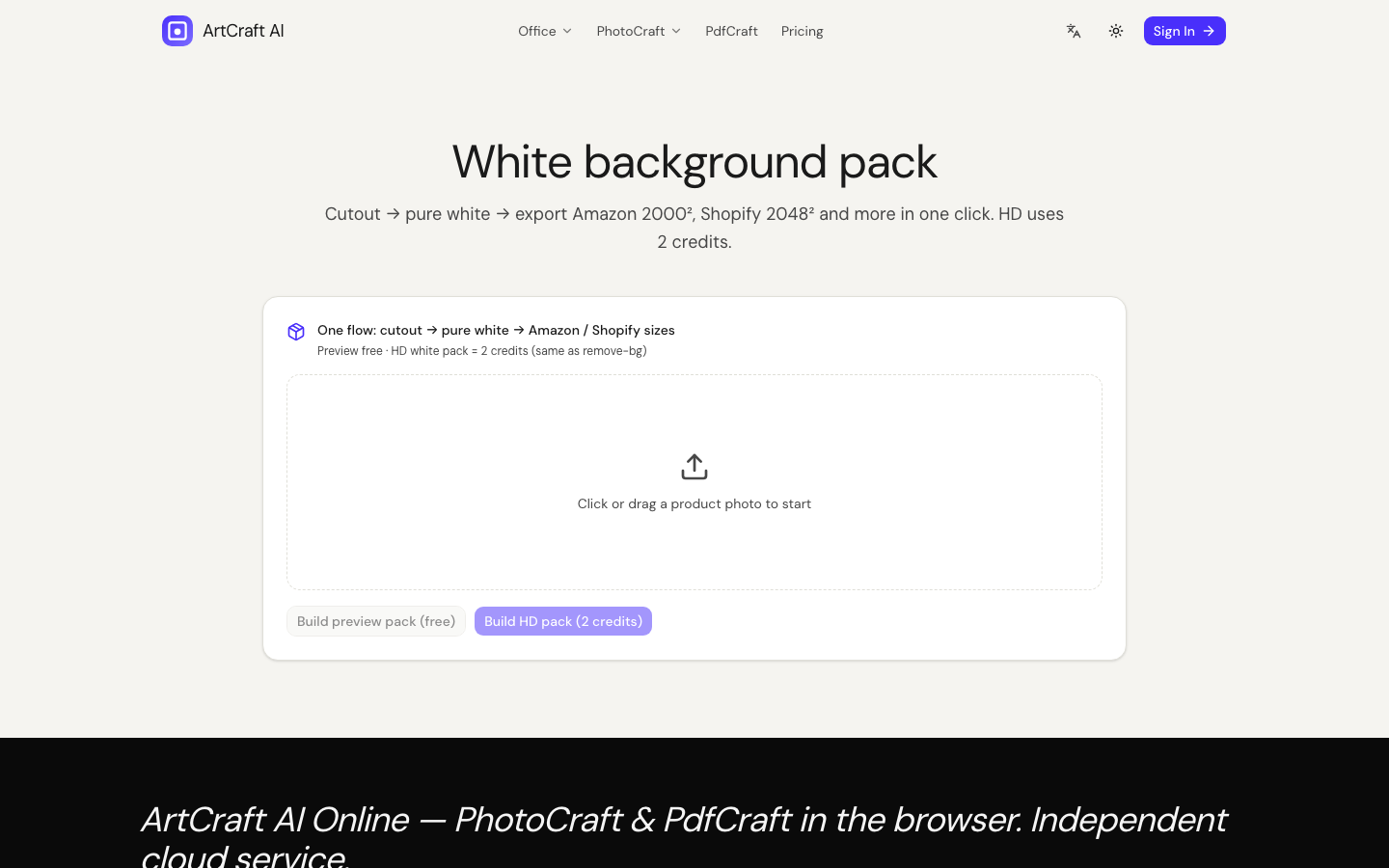
2. Upload your product photo
Use a well-lit product shot. Packshots with busy lifestyle backgrounds take more cleanup. Your image is processed with cloud AI (Fal) — not a local Photoshop action.
3. Preview, then HD
- Run a preview and inspect the silhouette against white.
- Look for color fringing, missing handles, and uneven feet/shadows.
- When the preview is acceptable, unlock HD with credits.
4. Export and marketplace-check
Download the result and verify:
- Subject is fully on white (no gray matte leftovers)
- Enough margin around the product for each marketplace’s crop rules
- File weight and dimensions match the channel you sell on
Shadows and edge cleanup
- Hard cutouts can look “floating.” Soft contact shadows often read more natural on white.
- If edges shimmer, re-run from a sharper source or clean in the image editor after.
- Reflections on glossy packaging may need manual touch-up — AI is assistive, not magic.
Honest processing disclosure
White-background and remove-bg jobs upload images for cloud inference. Do not describe this as “fully local.” By contrast, PDF merge keeps PDF bytes in the browser.
Related guide
Make a white-backed shot
常见问题
- How is this different from “remove background”?
- Remove background aims for a transparent PNG cutout. White-background workflows composite the subject onto a white (or pack) backdrop for marketplace listings.
- Which page should I use?
- Use White background pack for listing-oriented packs, or the white-background action inside PhotoCraft tools. Both use cloud AI — not a local-only filter.
- Will Amazon / marketplace size rules be perfect?
- We help you produce a clean white-backed image. Always check each marketplace’s current image specs (size, margins, compression) before you publish.
独立在线服务。与 Microsoft Excel / Word / PowerPoint 及官方 ArtCraft 桌面套件无关联。