
分步教程
How to Remove Backgrounds from Product Photos
Cut out product subjects to transparent PNG with ArtCraft PhotoCraft. Real steps, before/after examples, and honest cloud AI disclosure.
更新于 2026-10-16
按下列步骤操作,然后打开真实应用完成任务。
Open background removerAnswer in one minute
To remove a product photo background on ArtCraft AI Online:
- Open the background remover.
- Upload a clear product shot (or try a sample).
- Run a preview, check edges, then unlock HD when it looks right.
- Download a transparent PNG for listings or further compositing.
Important: this path uses cloud AI (currently Fal). It is not a fully local / on-device cutout.
Before / after examples
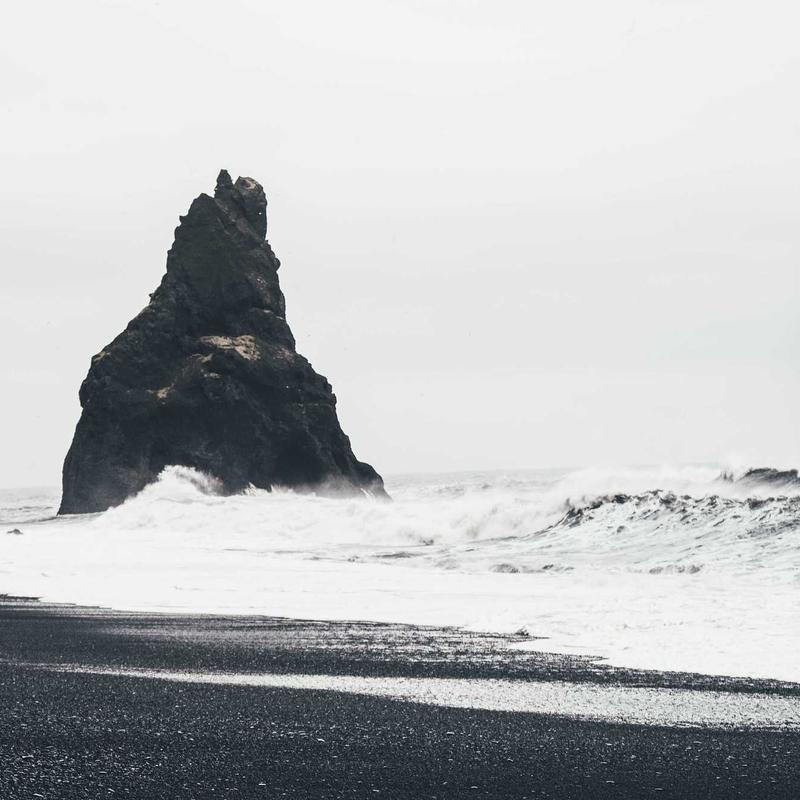
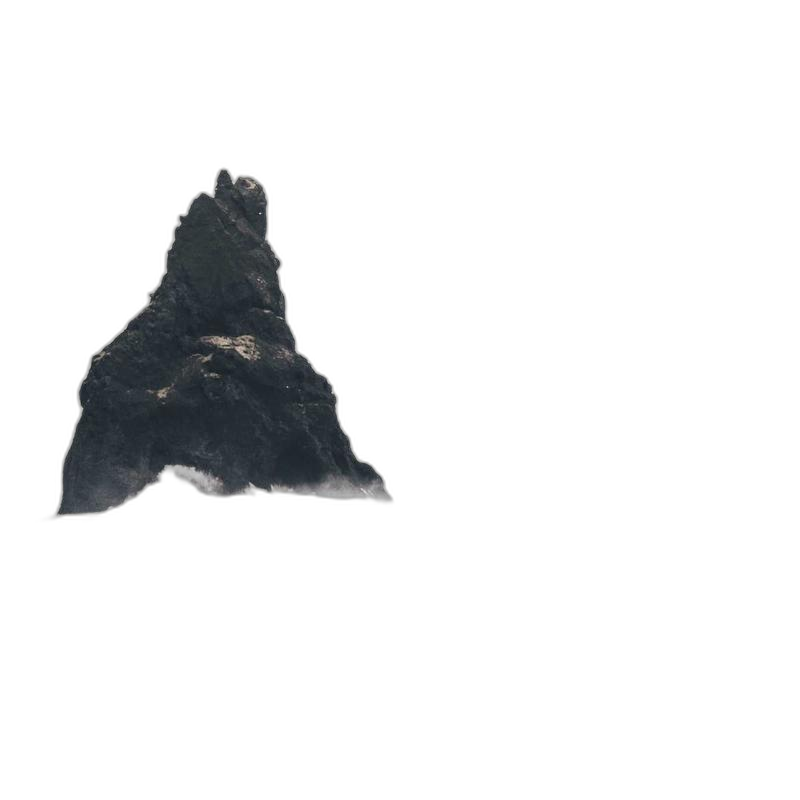
We use real product-style samples on the site (bag, bottle, sneaker). Compare edges, shadows, and subject integrity — not just “background gone.”
Step-by-step
1. Open the tool
Go to Remove background. You will see the PhotoCraft-style workspace with upload, action tabs, and preview/HD controls.
2. Upload a good source image
Best results usually need:
- A distinct subject (product not blending into the backdrop)
- Reasonable resolution (tiny thumbs struggle)
- Soft, even lighting when possible
Avoid heavy compression artifacts if you can re-export from the camera roll.
Your image is uploaded through our storage/API path so the inference provider can process it. Only use photos you are allowed to process with a third-party AI provider.
3. Run preview, then HD
- Choose Remove background.
- Run a free preview (watermarked; weekly quota and region rules may apply).
- Inspect hair-like edges, reflections, glass, and thin straps.
- When the cutout looks right, run HD with credits (signed-in account).
4. Export transparent PNG
Download the PNG and place it on your store template or design tool. If you need a white storefront backdrop instead of transparency, use the white background product photos guide.
Difficult cases
| Problem | What to try | | --- | --- | | Soft shadows look “cut off” | Soften the source shadow or composite a new shadow on white | | Glass / bottles | Expect imperfect refraction; cleanup may be needed | | Busy backgrounds | Reshoot or roughly crop tighter before cutout | | Logo distortion | Prefer HD only after preview looks stable |
Privacy & providers (accurate disclosure)
- Images for remove-bg / white-bg go through ArtCraft APIs to cloud inference (Fal models such as BiRefNet / Bria depending on action).
- Free previews may be watermarked and rate-limited.
- This is not the same privacy model as PdfCraft merge (which stays in-browser).
Related guide
Start a cutout
常见问题
- Is background removal fully local?
- No. Product photos are uploaded for cloud AI processing (currently Fal models such as BiRefNet / Bria). Do not upload photos you are not allowed to process with a third-party provider.
- What do I get for free?
- Weekly free previews (watermarked, region rules may apply). HD/clean exports use credits on a signed-in account.
- Hair, glass, and reflections look messy — what helps?
- Use a clear subject, good lighting, and less busy backgrounds when possible. For hard edges, try again or clean up in the image editor after cutout.
独立在线服务。与 Microsoft Excel / Word / PowerPoint 及官方 ArtCraft 桌面套件无关联。