
Step-by-step guide
Why Local Browser-Side PDF Processing is Better for Document Privacy
Why browser-side PDF merge with pdf-lib is safer than upload converters — threat model, PdfCraft steps, and how ArtCraft separates local PDF tools from cloud AI image jobs.
Updated 2026-10-16
Follow the steps below, then open the real app to complete the task.
Open PdfCraft OnlineAnswer in one minute
If you care about document privacy, prefer a browser-side PDF merge over “upload to a free converter”:
- Open PdfCraft Online
- Add PDFs → order pages → Merge
- Download
merged.pdf
ArtCraft implements merge (and light optimize) with pdf-lib in the client. Those PDF bytes are not sent to Fal or the PhotoCraft AI job pipeline. See also Merge PDF files without uploading.
Why upload-based PDF sites feel convenient — and why they are risky
Search results for “merge PDF free” are crowded with sites that:
- Ask you to upload contracts, IDs, or payroll PDFs
- Process on a server you do not control
- Promise deletion “after one hour” without an audit you can verify
For personal drafts, that may be acceptable risk. For customer contracts, HR packs, or medical appendices, it is often the wrong default.
Browser-side processing flips the trust model: the heavy lifting happens in your tab’s memory, then you download the result. You still use HTTPS to load the app, but you avoid parking the PDF payload on a random merge SaaS.
Local WASM / pdf-lib vs cloud AI (do not confuse them)
ArtCraft runs two different privacy classes of tools:
| Class | Examples | File handling | | --- | --- | --- | | Client-side document tools | PdfCraft merge/optimize; Craft office editors | Prefer local pickers / in-browser processing | | Cloud AI image tools | Background remover, white pack, generate, inpaint | Upload for inference (e.g. Fal) |
Marketing that says “everything is 100% local AI” while running cloud rembg is exactly the kind of claim that fails both users and AdSense reviewers. We keep the split explicit on About, Privacy, and tool pages.
How PdfCraft merge works (operator checklist)
1. Open the workspace
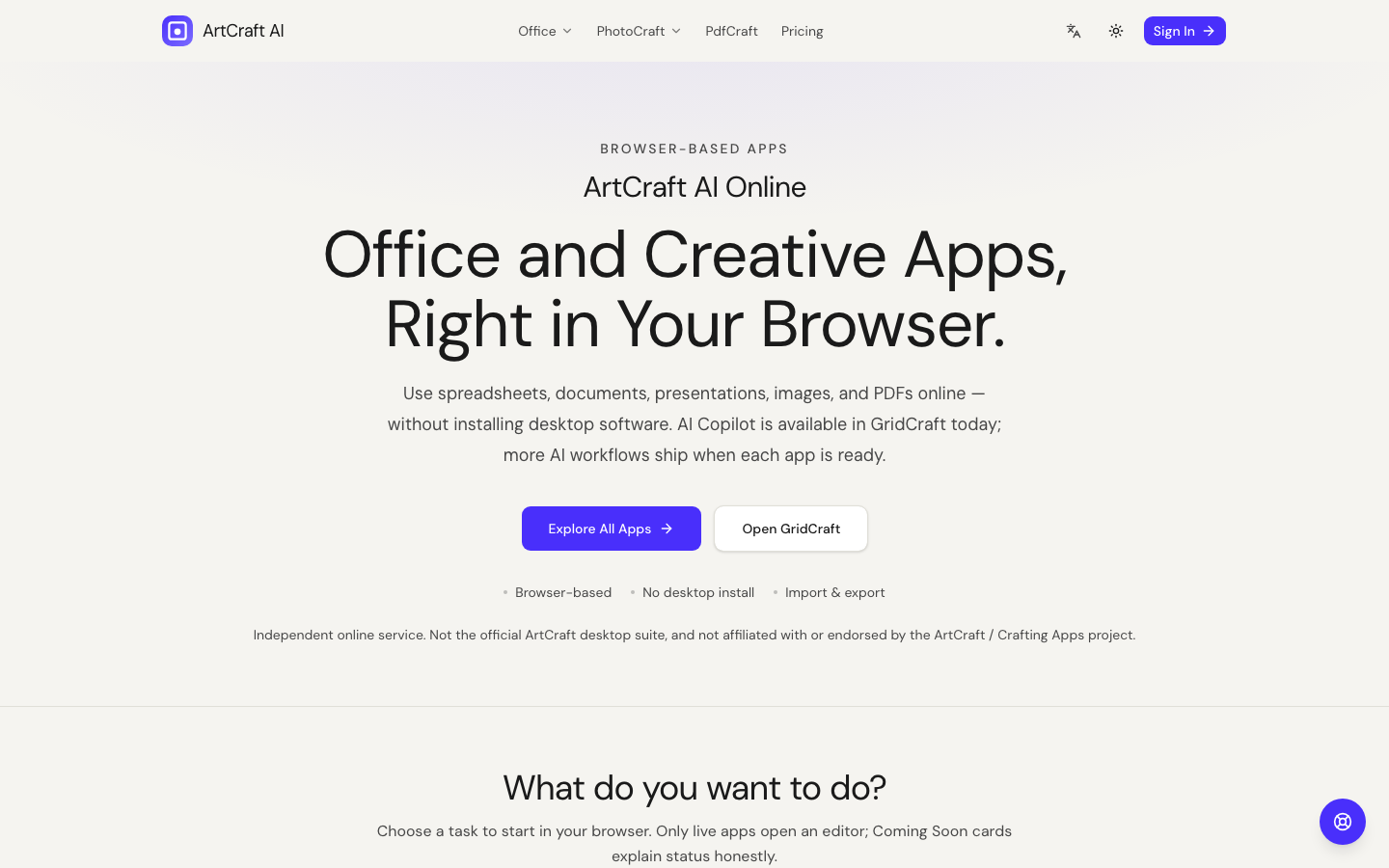
Go to PdfCraft Online or the PdfCraft section on the homepage.
2. Add files in the order you want
Page order follows your list order. Rename confusion is a common merge bug — keep source filenames meaningful before you start.
3. Merge and download
Run merge, download the result, and open it once in a trusted PDF viewer. Keep originals until you confirm page count and orientation.
4. Light optimize (optional)
PdfCraft can lightly optimize for email size in-browser. It is not a promise to match Acrobat Distiller or OCR every scan. Honest limits belong in your internal SOP.
Threat model (plain language)
What browser-side merge reduces
- Accidental long-term storage of your PDF on a third-party merge host
- Unknown staff or subcontractors browsing uploaded contracts
- “Free” sites monetizing uploads in ways you cannot audit
What it does not magically solve
- Malware on your own device
- Shoulder surfing in a café
- You pasting the same PDF into a cloud chatbot later
- Screen-sharing the tab while the file is open
Also: loading artcraftai.online still involves normal web requests (HTML, JS, WASM). Privacy claims here are about PDF merge/optimize payload handling, not “this domain never appears in network logs.”
When you should still use a managed document platform
Use browser-side merge for “combine these three attachments.” Use a proper DMS/e-sign platform when you need:
- Retention policies and legal holds
- Access control and audit trails
- Collaboration with external counsel at scale
ArtCraft is a tool site, not your system of record.
Combine with Craft editors (recommended workflow)
- Fix wording in WordCraft or slides in DeckCraft
- Export PDFs from your trusted desktop/print path if needed
- Merge appendices in PdfCraft without re-uploading to a random converter
Broader 2026 overview: Document and PDF optimization.
Operational tips that reduce mistakes
- Name files before merge (
01-contract.pdf,02-appendix.pdf) so list order is obvious. - Check page rotation after download; a single sideways scan ruins a client pack.
- Prefer source DOCX edits over “fixing” text inside a flattened PDF when you still own the Word file.
- Do not paste the merged PDF into a chat model if the whole point was keeping it off third-party servers.
- Keep a checksum habit for critical packs: note page count and file size after merge, then re-open once.
These habits matter more than any marketing claim about “military-grade privacy.” Browser-side merge is a smaller attack surface, not a substitute for judgment.
Comparing “free online merge” claims
If a site asks you to upload first, assume server-side processing unless they prove otherwise with open-source client code. ArtCraft’s PdfCraft path is intentionally implemented with in-browser pdf-lib so contracts and IDs are not parked on a random merge host by default.
Team policy template
“Contracts and IDs: PdfCraft only. Marketing images: PhotoCraft. No free random PDF hosts. Copilot only on non-confidential drafts.”
Print that on the wiki. Architecture without policy still leaks.
Acceptance test for your security review
Have security open PdfCraft with a dummy PDF labeled CONFIDENTIAL-TEST, merge it, and confirm in browser network tools that the PDF bytes are not POSTed to a third-party merge API. Expect normal app shell/analytics requests — the test is about the PDF payload path for merge/optimize.
FAQ
Are my PDFs uploaded to ArtCraft servers during merge?
Merge/optimize are implemented to run in the browser with pdf-lib. They are not routed through the Fal image pipeline. Account/billing data for signed-in users follows the Privacy Policy separately.
Can PdfCraft split or OCR PDFs today?
Not in the current documented build. We only claim merge and light optimize until split/OCR ship and are verified.
Is PdfCraft free?
Yes for the browser PDF tools described here. PhotoCraft HD and Copilot are separate paid surfaces.
What if I need image backgrounds for a PDF brochure?
Create images with PhotoCraft (cloud), download them, then place them in your deck/doc elsewhere — do not assume PdfCraft magically rembg inside a PDF.
How do I contact support about a privacy question?
Email support@artcraftai.online or use the Contact form (topic: privacy). We aim to respond within 1–2 business days for typical inquiries.
FAQ
- Are PDFs uploaded during PdfCraft merge?
- Merge/optimize run in the browser with pdf-lib and are not sent through the Fal image pipeline.
- Does this replace a document management system?
- No. Use PdfCraft for combining attachments; use a DMS when you need retention, ACL, and audit trails.
- Can PdfCraft split PDFs today?
- Not in the current build. We document merge and light optimize only until split ships.
Related guides
Independent online service. Not affiliated with Microsoft Excel, Word, PowerPoint, or the official ArtCraft desktop suite.