
White Background Product Photos: A Marketplace Checklist for 2026
Step-by-step white background listing photos with ArtCraft — shoot prep, rembg QA, white pack, marketplace rules, credits, and privacy notes with workspace screenshots.
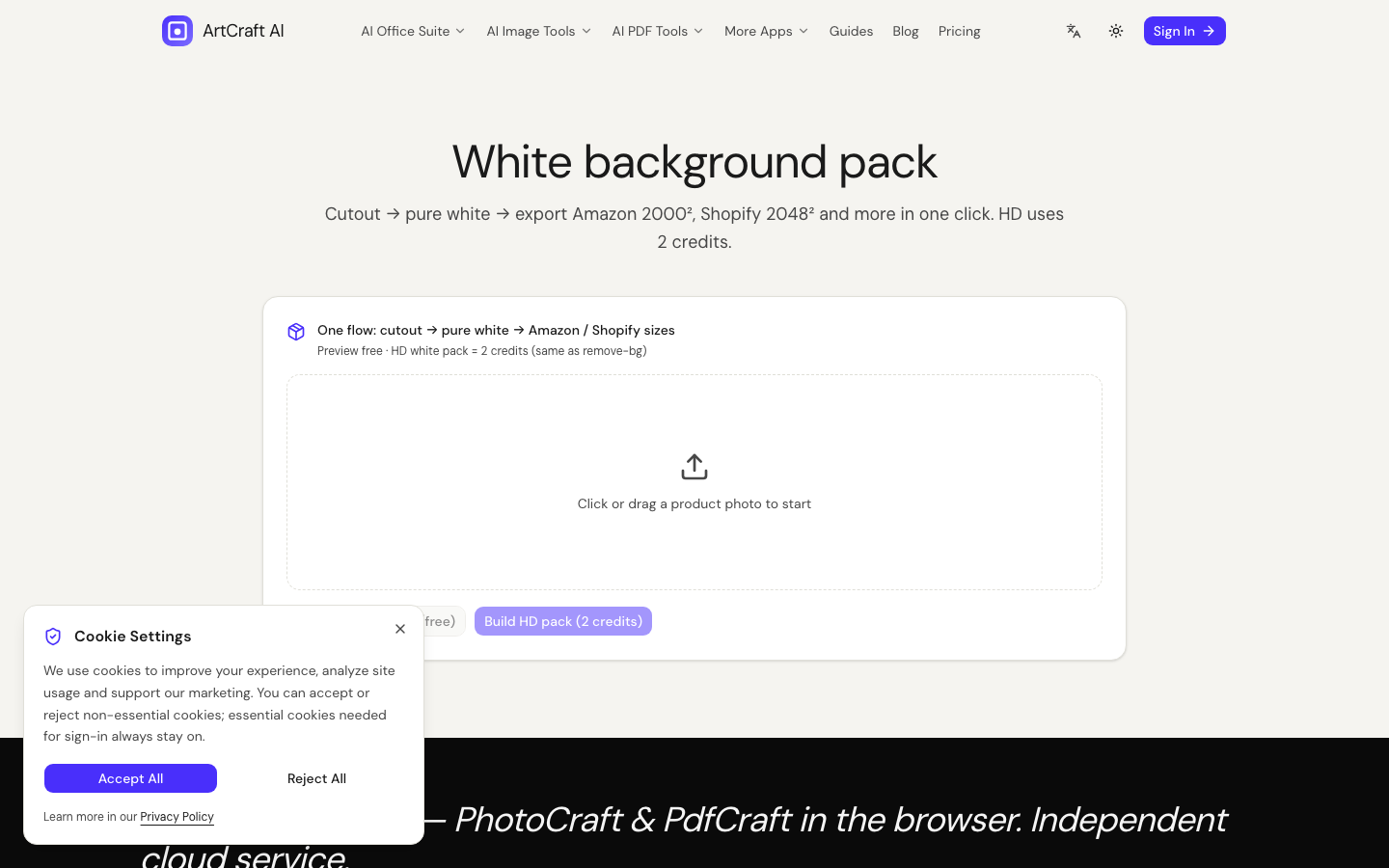
Why marketplaces still want “pure white”
Amazon, Shopify themes, and many marketplaces still prefer pure white (#FFFFFF) product plates because they look consistent in search grids. Lifestyle scenes sell emotion; white backgrounds sell SKU clarity.
ArtCraft’s path is intentionally boring and auditable:
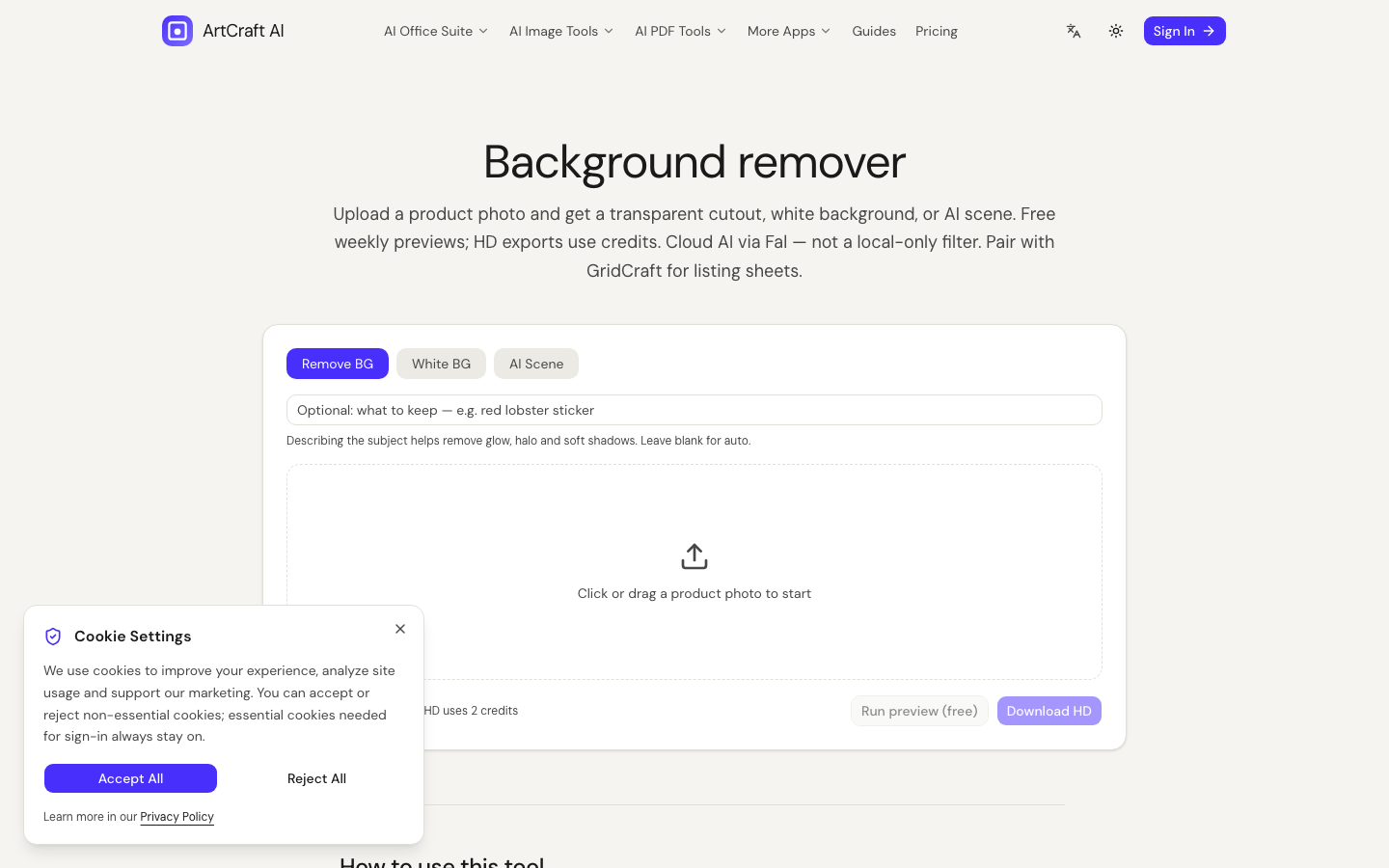
- Background Remover for the cutout
- White Background Pack for the plate
- Human QA before you upload to the channel
Shoot checklist (before AI)
- Even light, soft edges — avoid crushed blacks on dark products
- Separate subject from backdrop in camera when possible
- Export a large JPEG/PNG; do not start from a 400px thumbnail
- One hero subject per frame for first-pass rembg
AI will not rescue a muddy source. Fix light first.
RemBG QA: fail fast on hard cases
Run preview (where offered) on the hardest SKUs first:
| Hard case | What to watch | | --- | --- | | Mesh sneakers | Strap ghosts, lace holes filled wrong | | Glass bottles | Missing transparency / thick fringe | | Dark-on-dark | Subject eaten by backdrop |
If three hard cases fail, stop the batch and reshoot. Burning HD credits on fifty bad masks is not a strategy.
White pack rules that prevent rejections
- Confirm the canvas is truly white after export — open in a trusted viewer and sample corners.
- Decide whether you allow a soft contact shadow; some channels ban any shadow.
- Keep margins consistent across the catalog (product not glued to the crop edge).
- Filename with SKU +
whiteso ops can find masters later.
Credits and previews (operator view)
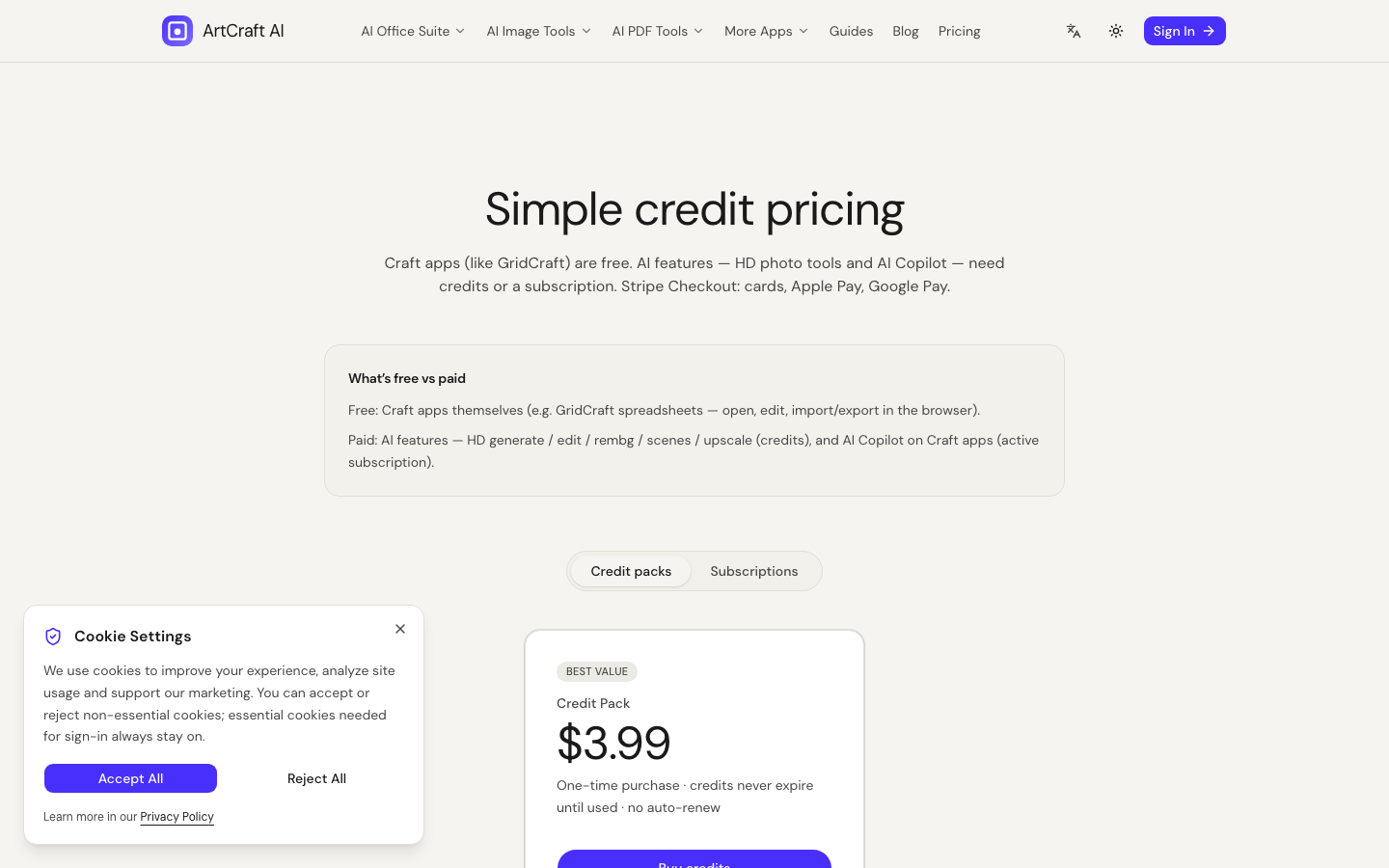
PhotoCraft rembg / white HD use credits (see live Pricing / Credits table — currently aligned with rembg/white at 2 credits HD on the pack math). Previews exist to iterate. Treat HD as the publish candidate.
Privacy: photos vs PDFs
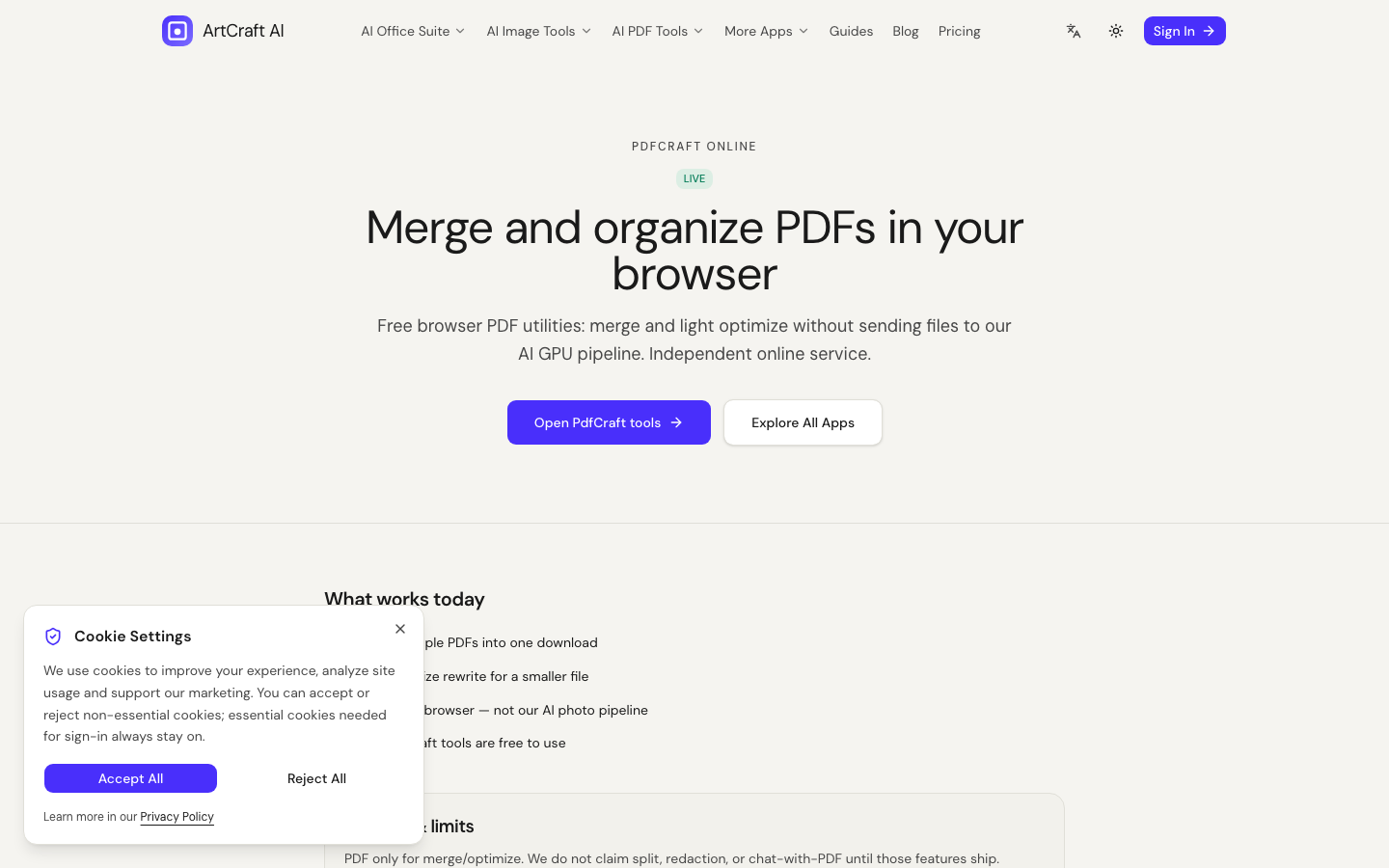
White packs upload images for cloud inference. Do not put ID documents through rembg. For private PDF merges use PdfCraft instead — client-side pdf-lib.
Marketplace policy reminders (not legal advice)
- No invented logos on packaging
- No misleading scale props unless disclosed
- Follow channel-specific “pure white” and border rules
- Keep the original photo for disputes
Channel-by-channel white plate notes
Different channels interpret “white background” differently. Treat this as an operator checklist, not legal advice.
Amazon-style search grids
Many Amazon categories expect a pure white (#FFFFFF) main image with the product filling most of the frame. Lifestyle images belong in secondary slots. Soft shadows are sometimes tolerated; hard studio props often are not. Always re-read the current category image requirements before a large catalog push.
Shopify / DTC themes
Theme default “product card” crops can clip tight margins. Leave a little breathing room on ArtCraft white packs so the theme crop still looks intentional. If your theme uses a cream or gray card background, test the white PNG against that card — pure white plates can look harsh on cream themes; that is a design choice, not a rembg failure.
Wholesale / B2B decks
Buyers often want a consistent plate set so they can drop SKUs into PowerPoint. Export white PNGs with alpha only if you need compositing; for email packs, flattened white JPEG is usually safer so colors match across Outlook clients.
End-to-end workflow on ArtCraft AI Online
- Shoot or gather product photos on disk.
- Open Background Remover — run preview on hard cases.
- When the mask looks honest, unlock HD and download the cutout.
- Open White Background Pack and place the cutout on white.
- Sample the corners in a second viewer; confirm #FFFFFF.
- Rename with SKU +
whiteand archive next to the original.
If you also need lifestyle variants, use AI Product Photography / scene tools as a separate job — do not confuse a lifestyle render with the main listing plate.
Common failure modes and fixes
| Symptom | Likely cause | Fix | | --- | --- | --- | | Fuzzy edge on mesh | Preview skipped | Preview first; tighten crop | | Gray cast in corners | Not truly white | Re-run white pack; sample | | Product too small | Over-padding | Recrop before pack | | Rejected for shadow | Channel bans shadow | Export without contact shadow | | Logo looks “invented” | Scene AI added text | Stick to rembg+white for main image |
Credits math for a 40-SKU drop
Assume rembg HD = 2 credits and white pack HD = 2 credits (confirm live Pricing table):
- 40 rembg HD → 80 credits
- 40 white HD → 80 credits
- Buffer for 5 re-dos → ~20 credits
Buy a pack sized for ~180 credits before the batch, not after you stall mid-catalog.
Related reading on ArtCraft
- Create white background product photos
- Remove background from product photos
- AI background removal & product photography guide
- What is free vs paid
Operator SOP snippet (copy into your Notion)
[ ] Hard-case preview (3 SKUs)
[ ] HD rembg batch
[ ] White pack batch
[ ] Corner sample QA (first + last + random 5)
[ ] Filename SKU_white
[ ] Upload main image only after QA
Following this SOP is how you keep marketplace rejections rare without pretending rembg is magic.
FAQ
Can I generate a white background from text only?
You can generate lifestyle/product art, but for truthful listings prefer a real product photo + rembg/white pack.
Is white pack free?
Limited free previews may apply by region. HD exports use credits.