
Local Browser PDF Merge vs Upload Converters: Privacy Tradeoffs
Why ArtCraft PdfCraft keeps merge in the browser with pdf-lib, how that differs from upload converters and cloud AI image tools, with workspace screenshots and a practical threat model.
The decision in one sentence
If the PDF contains contracts, IDs, or payroll, prefer a browser-side merge over a “free upload converter” unless you have a contractual reason to trust that host.
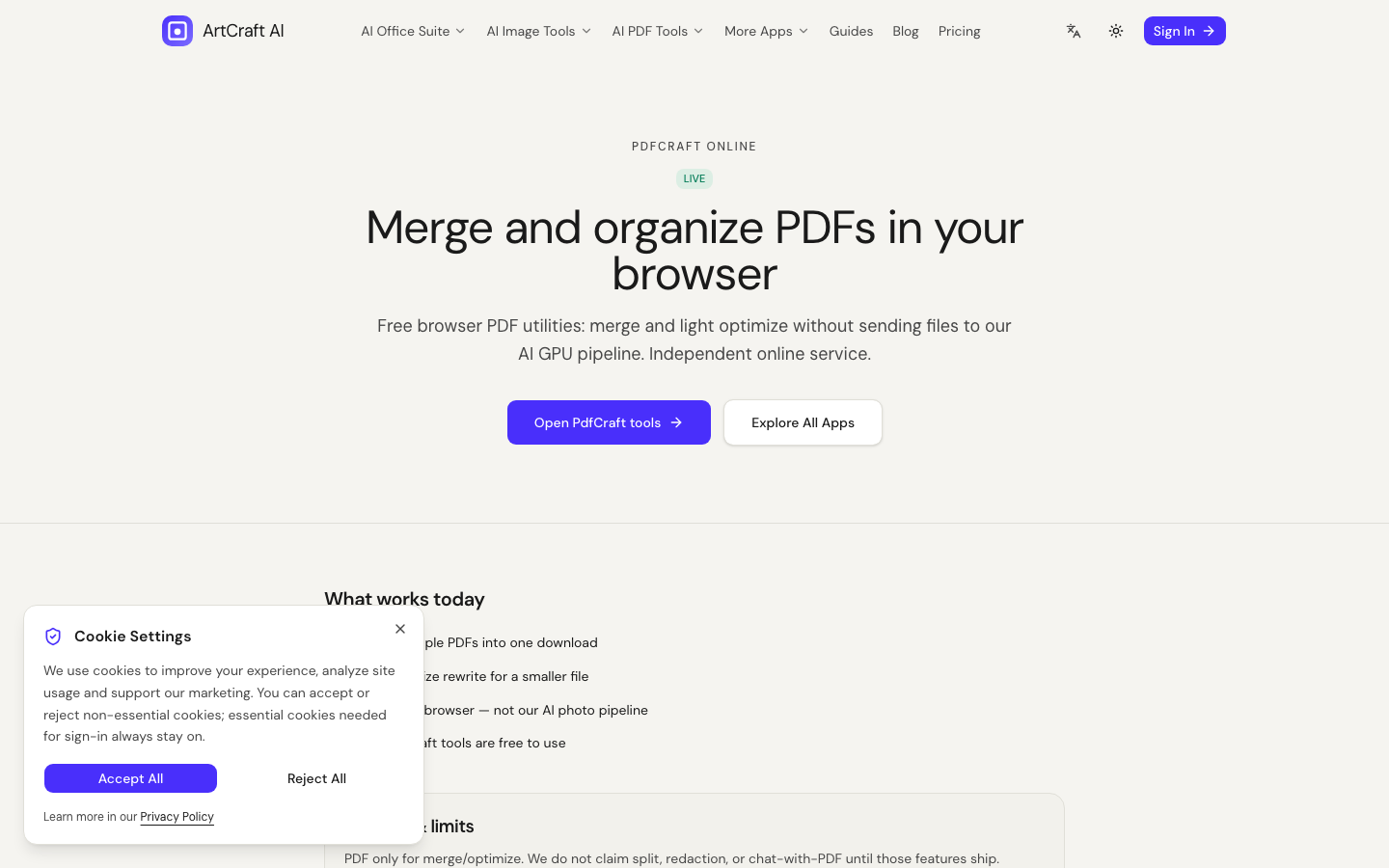
ArtCraft PdfCraft implements merge (and light optimize) with pdf-lib in the client.
What upload converters optimize for
Upload sites optimize for convenience and ads. You pay with:
- Unknown retention windows
- Unknown subprocessors
- Unknown staff access
Fine for a public flyer PDF. Poor default for a signed MSA.
What browser-side merge reduces
- Accidental long-term storage on a third-party merge host
- Mystery “we delete after 1 hour” claims you cannot audit
- Mixing PDF payloads into the same pipeline as cloud AI image jobs
What it does not magically fix
- Malware on your laptop
- You later pasting the same PDF into a chatbot
- Shoulder surfing while the tab is open
Loading artcraftai.online still uses HTTPS like any site. The claim is about PDF payload handling for merge/optimize, not “never appear in network logs.”
How to merge on ArtCraft
- Open PdfCraft
- Add files in order
- Merge → download
- Re-open once; keep originals
Deeper guide: Browser-side PDF merging and privacy.
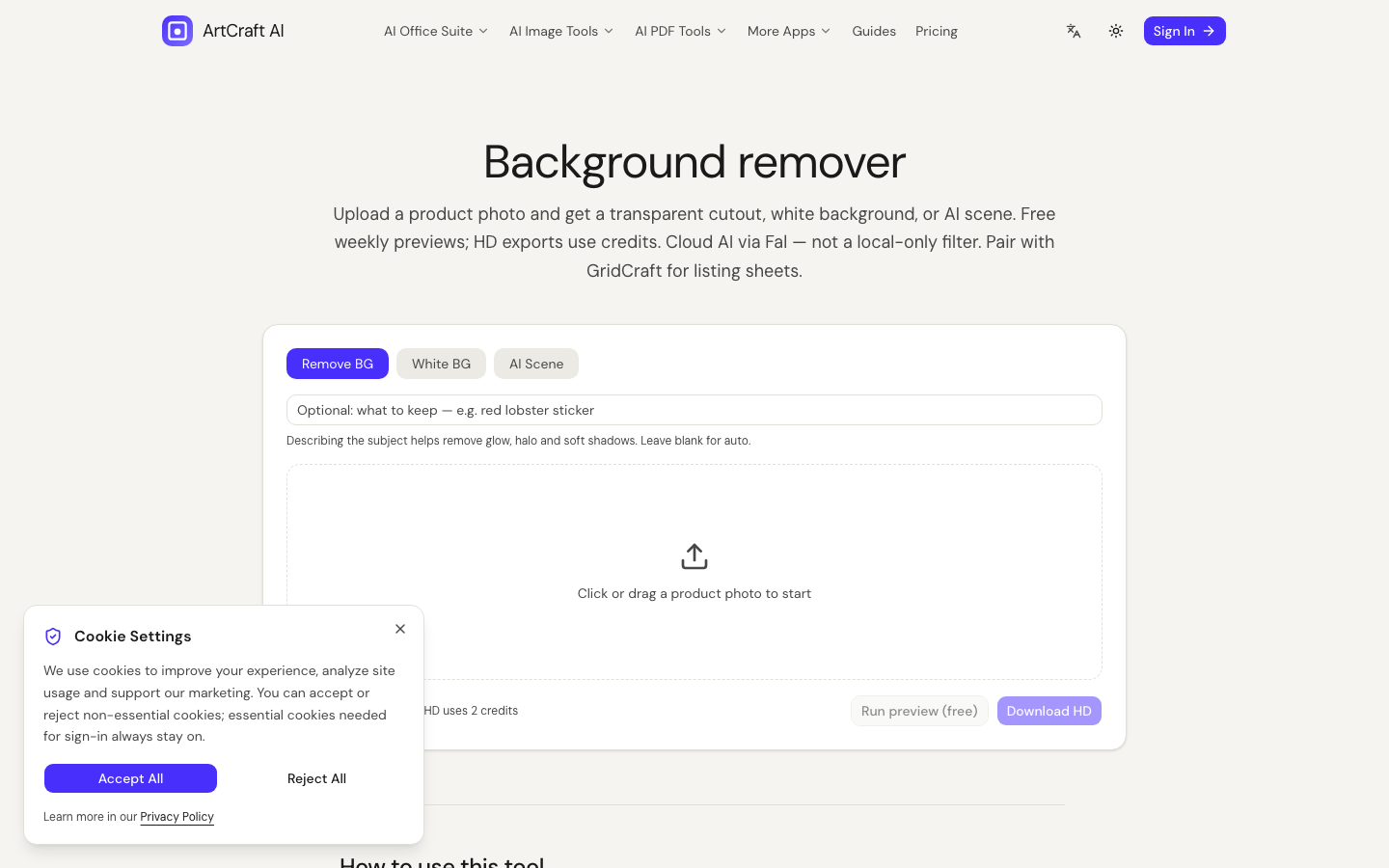
Do not confuse with PhotoCraft
Background remover and generate upload images. Keep folders separate.
Combine with Craft editors
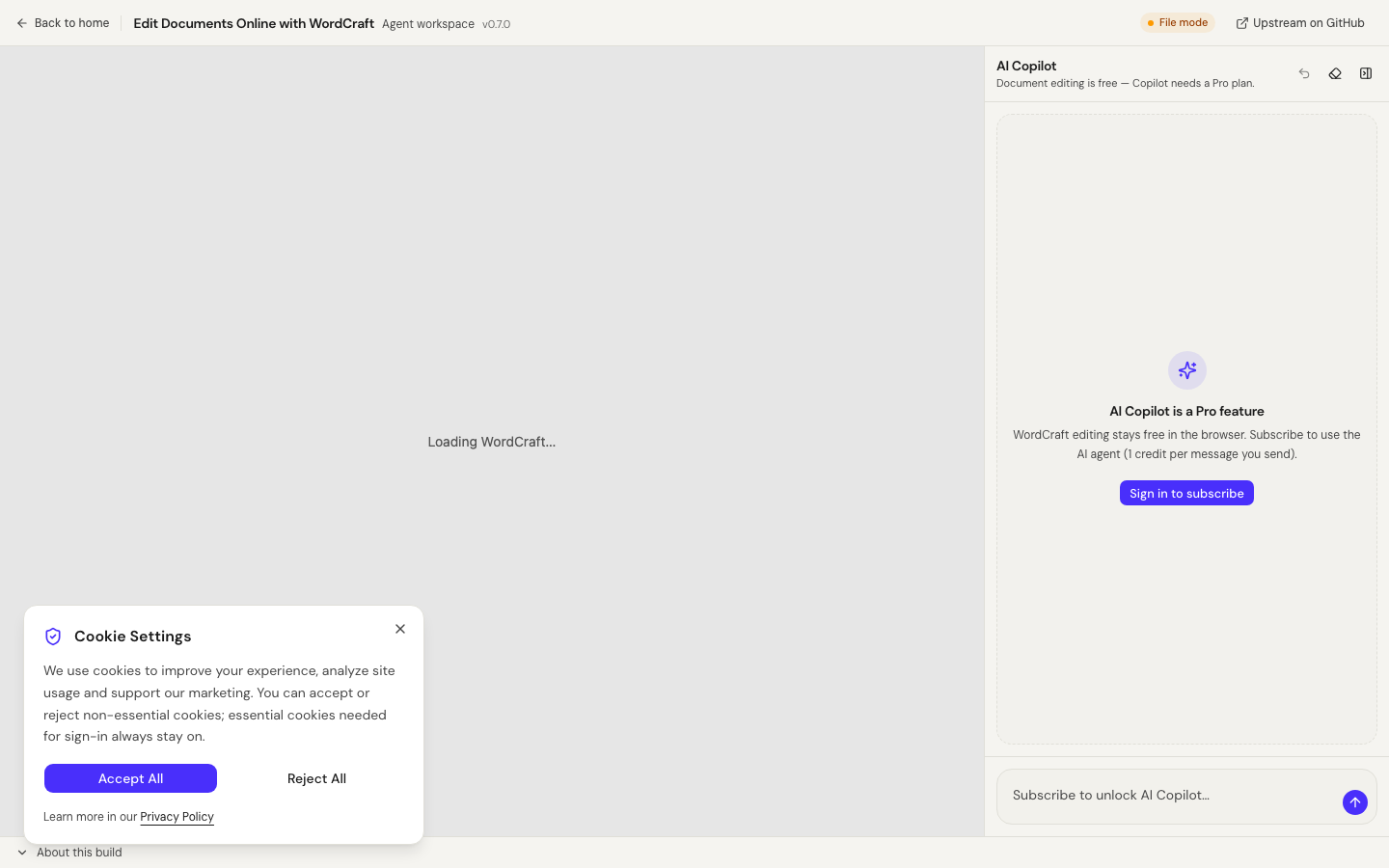
Fix DOCX in WordCraft, then merge appendices in PdfCraft.
Threat model (practical, not paranoid)
You are protecting against:
- Accidental retention on a free merge host
- Unknown staff access to uploaded contracts
- Mixing PDF payloads into the same upload pipeline as marketing AI image jobs
- Habit risk — once teams “always upload,” they stop thinking
You are not protecting against a compromised laptop, a malicious browser extension, or an employee who pastes the PDF into a chatbot later. Browser-side merge reduces one high-frequency failure mode.
How ArtCraft PdfCraft works
PdfCraft uses pdf-lib in the client for merge and light optimize. The UX is:
- Open
/apps/pdfcraft - Add PDFs in order
- Merge → download
- Spot-check page count and orientation
We document what we ship. If a feature (split, OCR, redaction) is not listed, assume it is not available yet — do not invent capabilities for AdSense or SEO.
Upload converters: when they are fine
Upload converters are fine when:
- The PDF is already public (brochure, press kit)
- You have a BAA / DPA with the vendor
- Your company mandates a specific enterprise converter
They are a poor default for NDAs, passports, payroll, or medical forms.
Comparison table
| Dimension | Browser PdfCraft | Typical upload site |
| --- | --- | --- |
| Where bytes go for merge | Client pdf-lib | Vendor servers |
| Ads relationship | Product site | Often ad-funded |
| Auditability | Open client library path | “We delete in 1h” claims |
| Best for | Private packs | Public flyers |
Pair with Craft editors
Privacy-aware office workflow:
- Edit DOCX in WordCraft
- Edit XLSX in GridCraft
- Export clean PDFs from trusted tools
- Merge appendices in PdfCraft
- Only then email the pack
That sequence keeps AI Copilot optional and keeps merge local.
Pair with PhotoCraft carefully
Never put the same “upload everything” habit on rembg. PhotoCraft must upload images for cloud models. Keep /office and /photos folders separate on disk and in your SOP.
Operator checklist
[ ] Confirm files are PDFs you intend to combine
[ ] Order pages before merge
[ ] Download result once
[ ] Re-open and check first/last page
[ ] Keep originals until recipient confirms
[ ] Do not upload the same pack to a random free converter “just to be sure”
Related guides
- Merge PDF files without uploading
- Browser-side PDF merging and privacy
- Document and PDF optimization 2026
- What is free vs paid
FAQ extended
Does ArtCraft log my PDF contents for merge?
Merge/optimize are designed as client-side. Account analytics may still record that you used the app — not the PDF text — depending on configured analytics. Do not put secrets in URLs.
Can I merge encrypted PDFs?
Encrypted/password PDFs often fail client merge until unlocked. Unlock locally with a trusted tool first when policy allows.
Why not call this “military-grade private”?
Because marketing hyperbole fails AdSense and fails trust. We claim a specific architecture: pdf-lib in the browser for merge/optimize.
Incident playbook if you already uploaded
If a teammate already used an upload converter for a sensitive PDF:
- Rotate any secrets that appeared in the PDF when feasible.
- Ask the vendor for deletion confirmation in writing.
- Treat the document as potentially retained regardless of marketing copy.
- Move the team to PdfCraft-only for that document class.
- Add the incident to your security wiki so it does not repeat.
Prevention is cheaper than cleanup. Browser-side merge exists to make prevention the easy path.
FAQ
Are merges sent to Fal?
No. PdfCraft merge/optimize are not routed through the Fal image pipeline.
Can PdfCraft split PDFs today?
Not in the current build. We document merge and light optimize only.
Is PdfCraft free?
Yes for the documented browser PDF tools.
Bottom line
Use browser-side PdfCraft for private packs. Use upload converters only when the PDF is public or you have a contract. Keep PhotoCraft uploads in a separate habit. That is the whole privacy story — specific, testable, and honest.
Support: support@artcraftai.online · Contact · Privacy Policy
Prefer specific architecture claims over vague privacy marketing.