
Step-by-step guide
How to Rewrite and Improve a DOCX with an AI Agent Online
Rewrite selected DOCX text with AI Copilot in WordCraft Online — inspect, confirm, apply via engine commands, undo, and export. Alpha web build.
Updated 2026-10-16
Follow the steps below, then open the real app to complete the task.
Open WordCraft OnlineAnswer in one minute
In WordCraft Online:
- Open a
.docx(or start blank and paste text). - Select the paragraph you want improved.
- Ask AI Copilot (Pro) to rewrite the selection more clearly.
- Review the confirmation, apply, verify nearby formatting, undo if needed, export DOCX.
AI Copilot talks to the open document engine through host control commands — it is not a separate paste-only chat window.
Verified path
We publish this guide because the deployed WordCraft build includes an ArtCraft host bridge and Copilot tools (inspect_document, execute_command, undo). Treat selection rewrite as the primary path; whole-book rewrites need extra human review in Alpha.
Steps
1. Open WordCraft
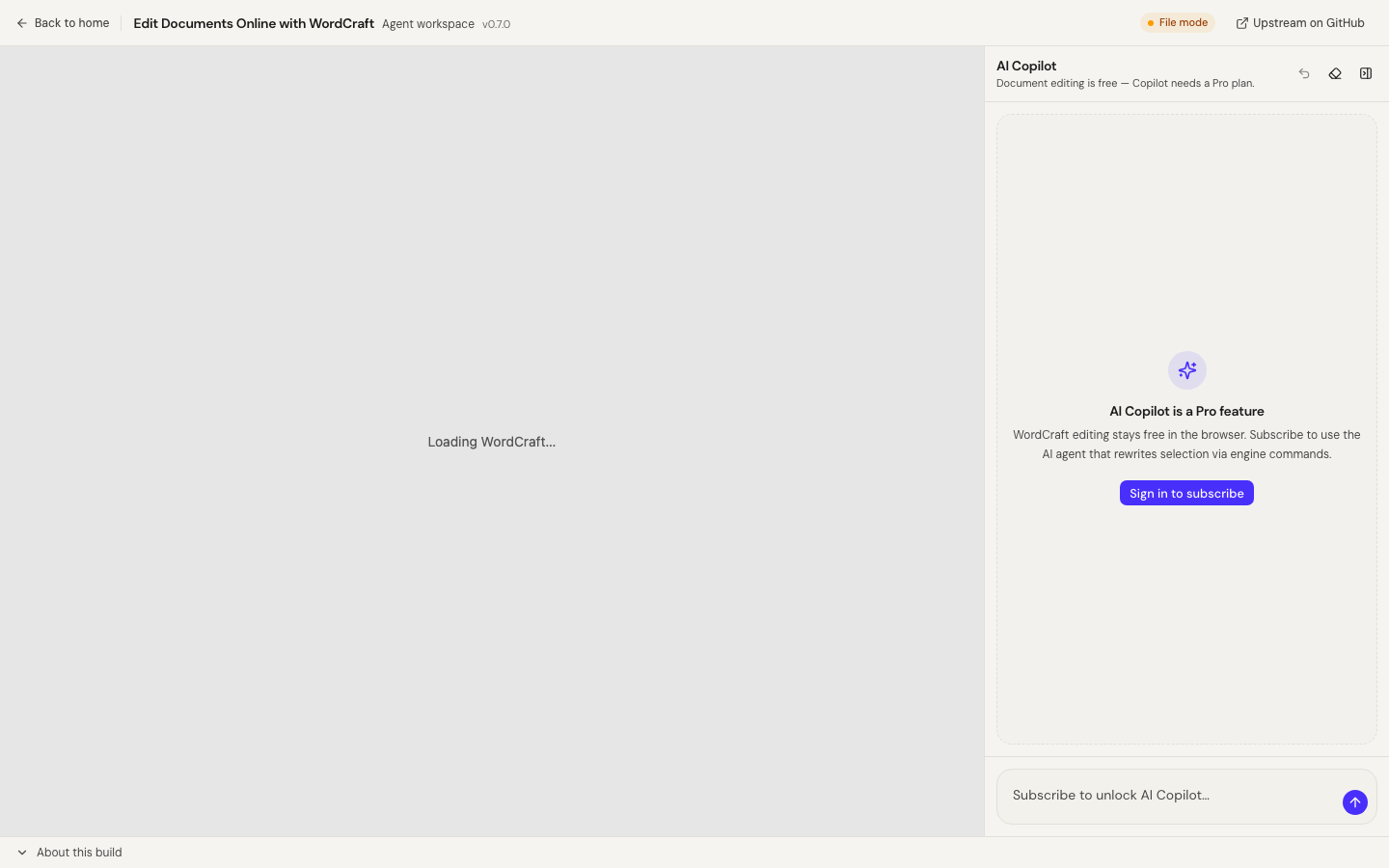
Visit WordCraft Online and wait for the editor (large WASM). Prefer Engine connected in the shell status.
2. Open or create a DOCX
File → Open a document, or start from the home templates/blank document.
3. Select text and ask Copilot
Select a paragraph, then in AI Copilot:
Rewrite the selected text more clearly and keep the meaning.
4. Confirm and verify
- Confirm the mutating tool call.
- Check that only the intended region changed.
- Scan fonts, spacing, and the next paragraph.
- Undo from the Copilot panel if the result is wrong.
5. Export
Save/download a .docx and open it once in another reader if the file matters.
Privacy
Document open/save uses the in-editor file UI. When you chat, selection/tool text can be sent to the AI Copilot service. Do not select confidential passages you cannot share with an AI provider.
Related
Open WordCraft
FAQ
- Does Copilot rewrite the whole book at once?
- Prefer selection rewrite. Whole-document rewrites need careful human review in the Alpha web build.
- Is layout preserved perfectly?
- Not guaranteed. Check fonts, pagination, and styles after applying AI edits before critical use.
- Do I need Pro?
- Document editing is free. AI Copilot requires a Pro-tier subscription when the engine is connected.
Related guides
Independent online service. Not affiliated with Microsoft Excel, Word, PowerPoint, or the official ArtCraft desktop suite.