
10 Prompt Techniques for Master-Level AI Product and Marketing Art
Ten practical prompt patterns for ArtCraft AI image tools — subject, light, negative cues, style control, and a preview→HD workflow with real workspace screenshots.
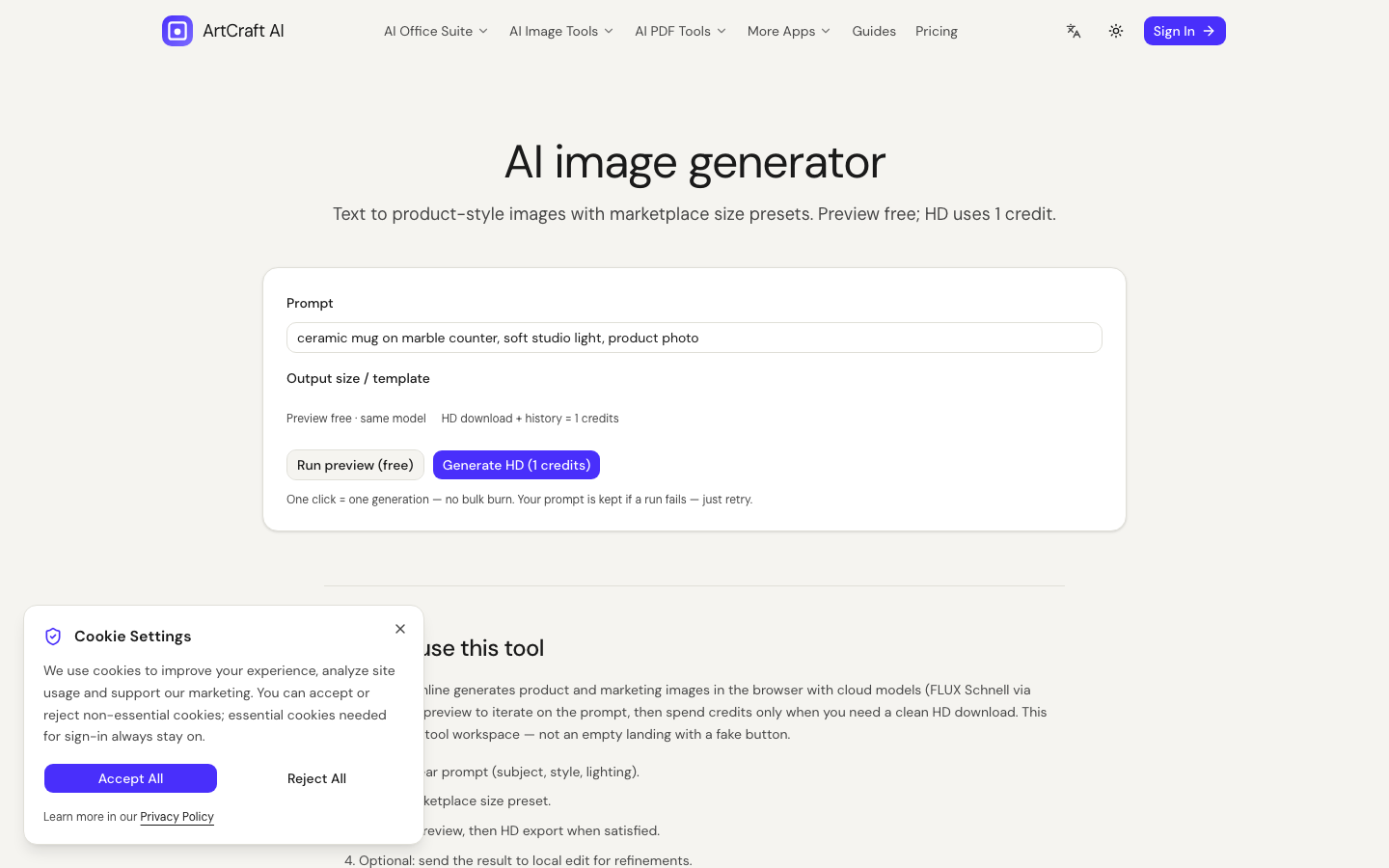
Why prompts fail before the model does
Most “bad AI art” complaints are really underspecified briefs. Diffusion-style generators (the family behind many modern image tools, including the models ArtCraft routes through Fal) need concrete nouns: subject, viewpoint, light, backdrop, and what not to invent.
This article is written for people using AI Image Generator and related PhotoCraft tools on ArtCraft AI Online — not for abstract gallery experiments alone. Ecommerce and ads punish vague prompts harder than mood boards do.
Technique 1 — Lead with the subject geometry
Start with what a buyer would recognize in half a second:
- “matte black wireless earbuds in open charging case, top-down”
- not “cool tech product”
Geometry language (top-down, three-quarter, hero angle) beats mood adjectives.
Technique 2 — Lock one lighting recipe
Pick one primary light:
| Recipe | When to use | | --- | --- | | Soft window light, left | Lifestyle apparel / ceramics | | Softbox studio, even | Catalog SKUs | | Hard noon sun + short shadow | Outdoor gear (if truthful) |
Mixing “neon cyberpunk” with “pure white seamless” in the same sentence usually dilutes both.
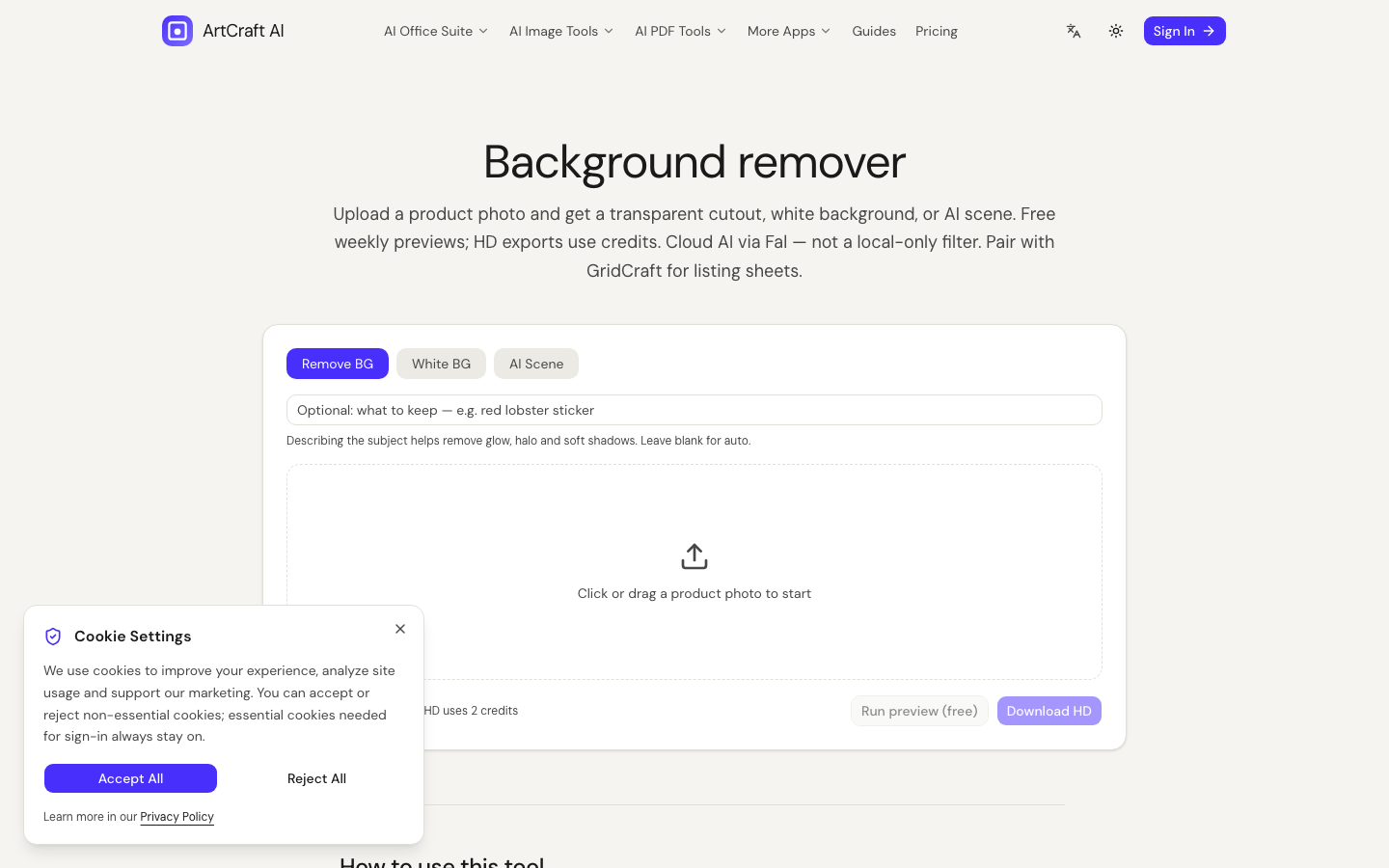
Technique 3 — Separate listing white from lifestyle scenes
Marketplace white and marble-café lifestyle are different jobs. On ArtCraft:
- Cut the subject with Background Remover
- Build a White Background Pack for listings
- Use scene / generate for ads — not for “truthful packaging claims”
Technique 4 — Use materials as anchor words
“brushed aluminum,” “glazed ceramic,” “woven nylon” steer reflections better than “premium.” If the material is wrong in preview, fix the material word before you burn HD credits.
Technique 5 — Add camera / lens feel, not fake EXIF spam
A short cue helps: “50mm product look, shallow depth, clean bokeh.” Dumping twenty camera brand names rarely helps and can collide.
Technique 6 — Negative cues for common failure modes
When the tool UI supports them, call out:
- no watermark / no logo collage
- no extra fingers / no melted handles
- no unreadable packaging text
Then still inspect the HD export — negatives reduce odds; they do not create legal guarantees.
Technique 7 — Change one variable per preview
Preview quotas exist to iterate. Change angle or light or style — not all three. Otherwise you cannot tell what improved the frame.
Technique 8 — Style tags: one primary, one secondary
Examples that usually behave:
- Primary 3D product render + secondary soft reflection
- Primary watercolor illustration + secondary paper texture
Avoid stacking cyberpunk + watercolor + photoreal in one go.
Technique 9 — Match canvas size to the channel early
If you already know the channel (square listing, vertical story), pick the size preset on the generator before you fall in love with a composition that will be cropped badly later.
Technique 10 — Preview → HD is an economic habit, not a slogan
ArtCraft’s unit design is intentional: free preview (where offered / region rules) then HD credits for downloadable exports. Treat HD as “publish candidate,” not “first sketch.” Credit costs for generate / rembg / scene / inpaint / upscale are listed on Pricing and Credits settings — they change with provider COGS, so always check the live table.
How this fits Craft office apps
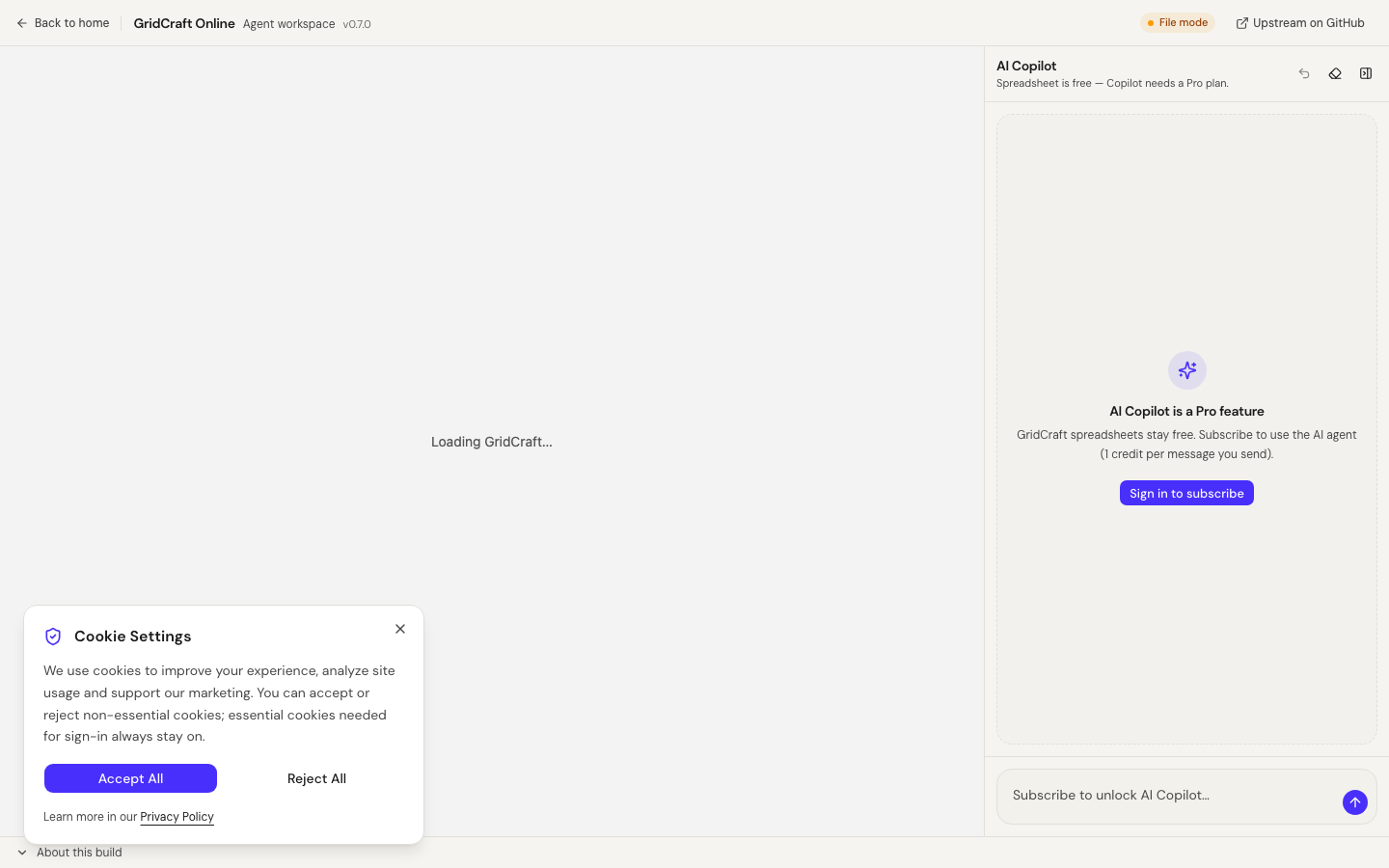
Prompt craft for images is not the same as Craft Copilot on GridCraft/WordCraft/DeckCraft. Copilot edits the open file via allowlisted tools (Pro; 1 credit per message you send). Image jobs upload pixels for cloud inference. Keep SOPs honest — see About and Privacy Policy.
Mini prompt templates you can steal
Listing white
single {product}, three-quarter view, pure white seamless background, softbox lighting, sharp edges, no props, no watermark
Lifestyle ad
{product} on {surface}, soft morning window light from the left, shallow depth of field, natural color, no text overlay
Stylized campaign
{product} as clean 3D product render, subtle studio reflection, brand-safe minimal scene, no invented logos
Checklist before you publish
- Subject recognizable at thumbnail size
- Light consistent with the story you sell
- No invented trademarks on packaging
- HD export re-opened once on your machine
- Rights to every input photo and prompt reference
A note on batch work
If you produce dozens of SKUs, write a prompt skeleton once (light + camera + negatives) and only swap the subject line. That keeps brand lighting consistent across a catalog and reduces random style drift between images.
For cutouts, batch after you have one good lighting recipe — rembg will not fix underexposed mesh sneakers. Fix the shoot, then automate.
Further reading
- AI background removal & product photography guide
- Create white-background product photos
- Guides index
Closing reminder
Write prompts like creative briefs, not like search queries. Subject → light → backdrop → style → negatives. Preview until stable, then HD once. That rhythm saves credits and listing rejections.
Credit-aware prompting loop
- Write the brief (subject, light, backdrop, style, negatives).
- Run preview; change one variable at a time.
- Lock the prompt when three previews look stable.
- Spend HD once.
- Archive prompt + seed notes next to the PNG.
Skipping step 2 is how packs evaporate.
FAQ
Do better prompts reduce credit spend?
Usually yes — fewer failed HD exports. Previews are for iteration; HD is for keepers.
Can prompts guarantee trademark-safe packaging?
No. Models invent glyphs. Humans approve commercial assets.
Is ArtCraft “local AI art”?
Cloud PhotoCraft jobs are not local. Browser Craft editors and PdfCraft merge are a different privacy class — read the tool page you are on.